Resources
Everything you need to set up and get the most out of EMA Riders.
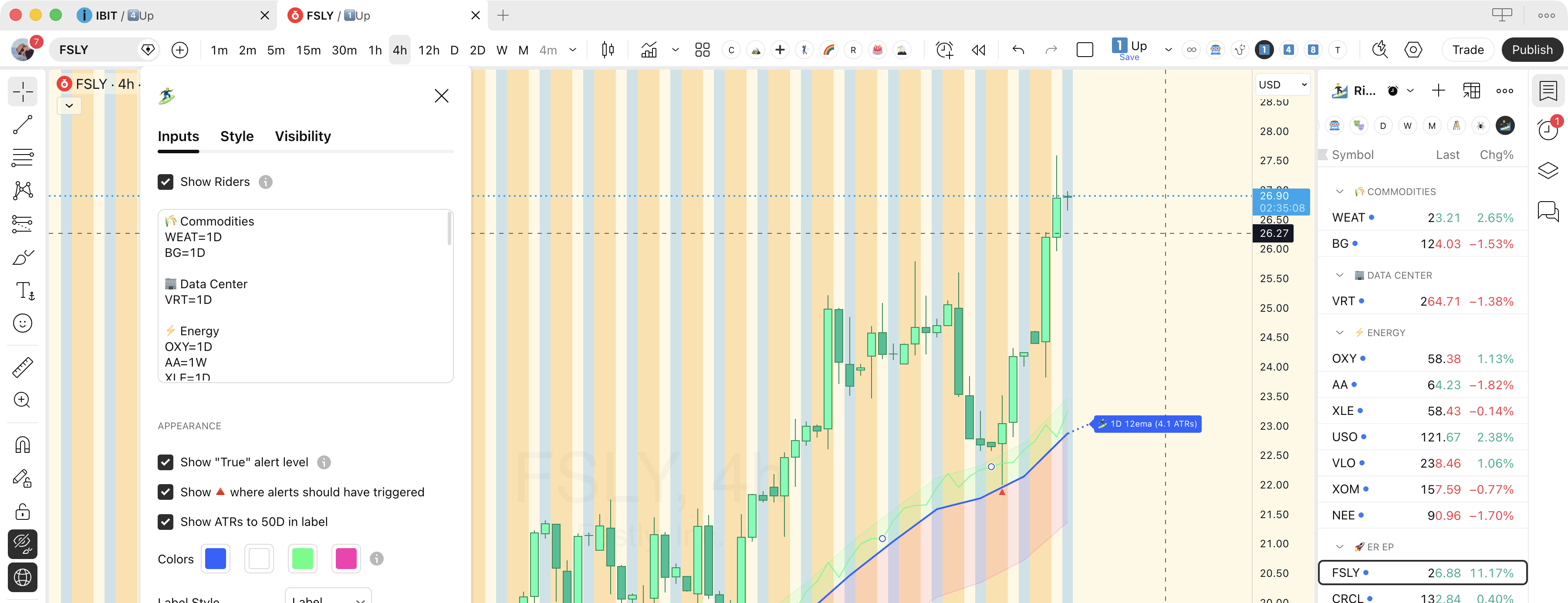
Plots the 12-period EMA and identifies active EMA Rider setups directly on your TradingView charts. Load your watchlist string to highlight your tracked symbols, and configure a single Watchlist Alert to fire the moment any of them pulls back to its EMA.
Use the form at the top of this page, or go to your account page and enter your TradingView username under the Indicator Access section. It must match exactly — TradingView usernames are case-sensitive.
Once your username is on file we'll add you to the indicator in TradingView. This is a manual step on our end — expect it within 24 hours, usually faster.
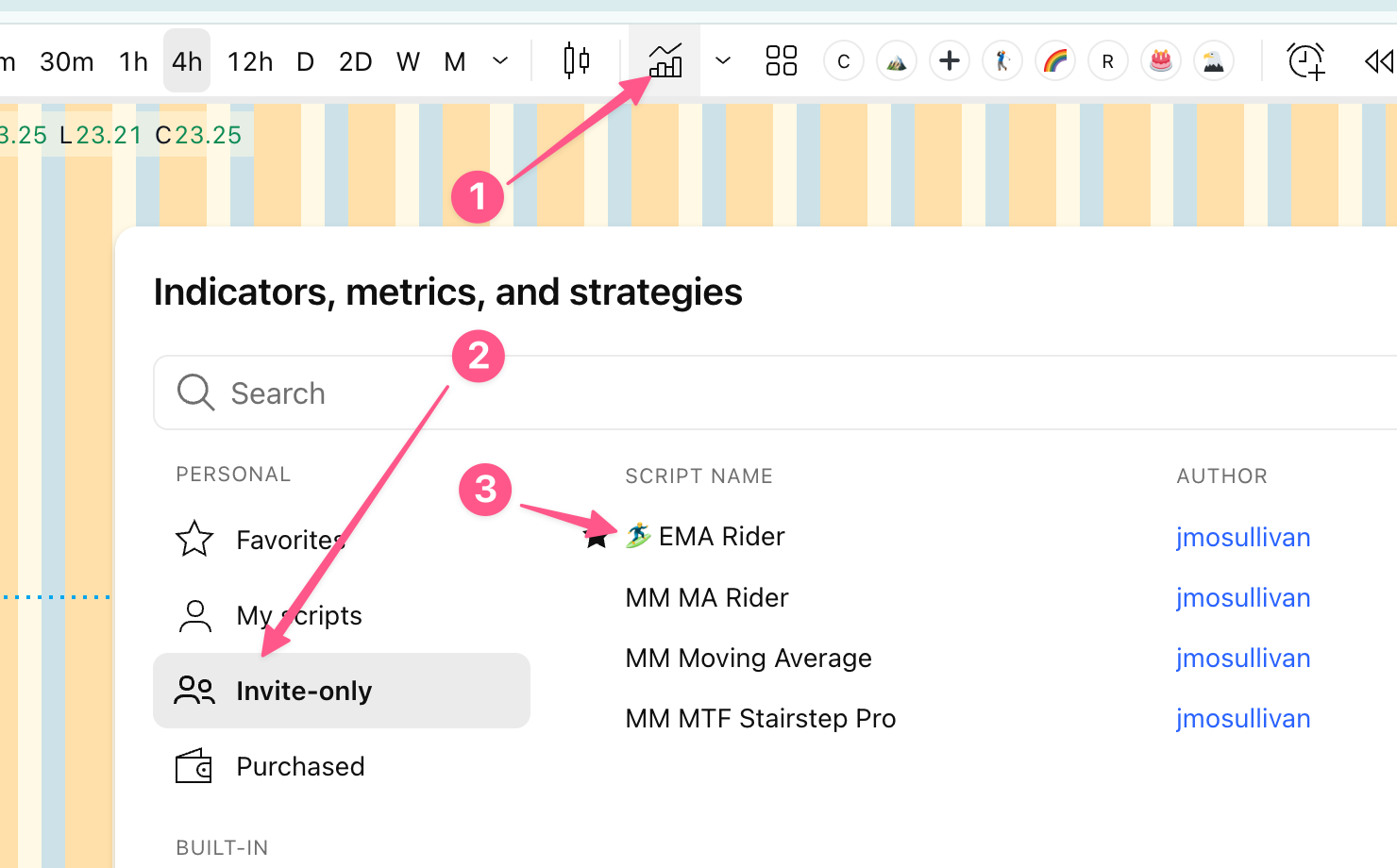
In TradingView, open the Indicators panel and search for 🏄♂️ EMA Riders under Invite-Only Scripts. See the for the full setup walkthrough.