How it works
From trend
to trade.
The complete picture — from identifying stocks riding their EMA to entering the trade after an alert fires.
01 — The Strategy
🎯 Spot the trend. Wait for the pull back. Take the trade.
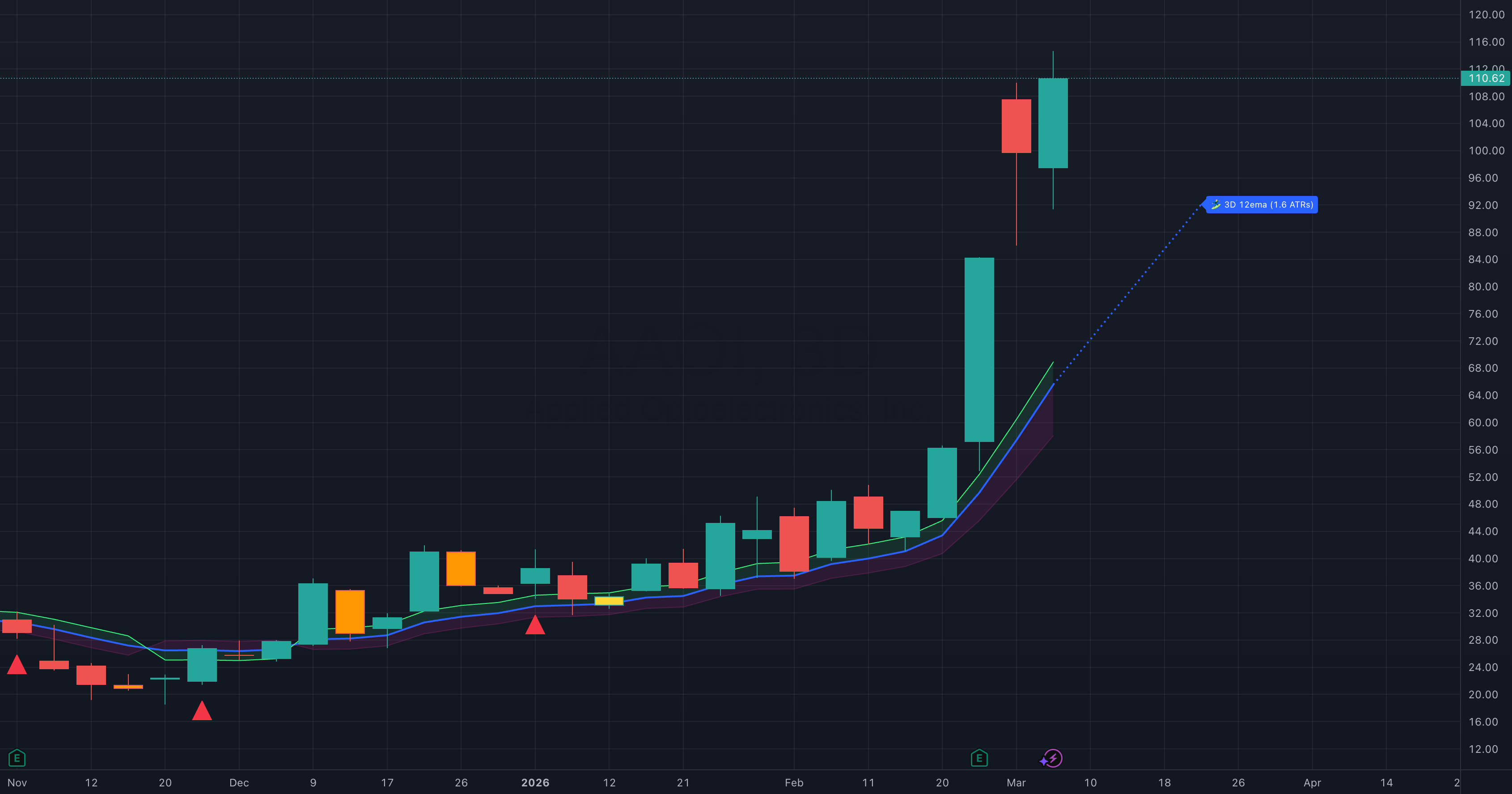
We look for stocks in groups in established trends: stocks riding their 12-period EMA — trending cleanly, not extended, not choppy. We look for smooth predictable trends to join. When price pulls back to that EMA, that's the entry window.
02 — Themes
🎭 Theme moves are the best!
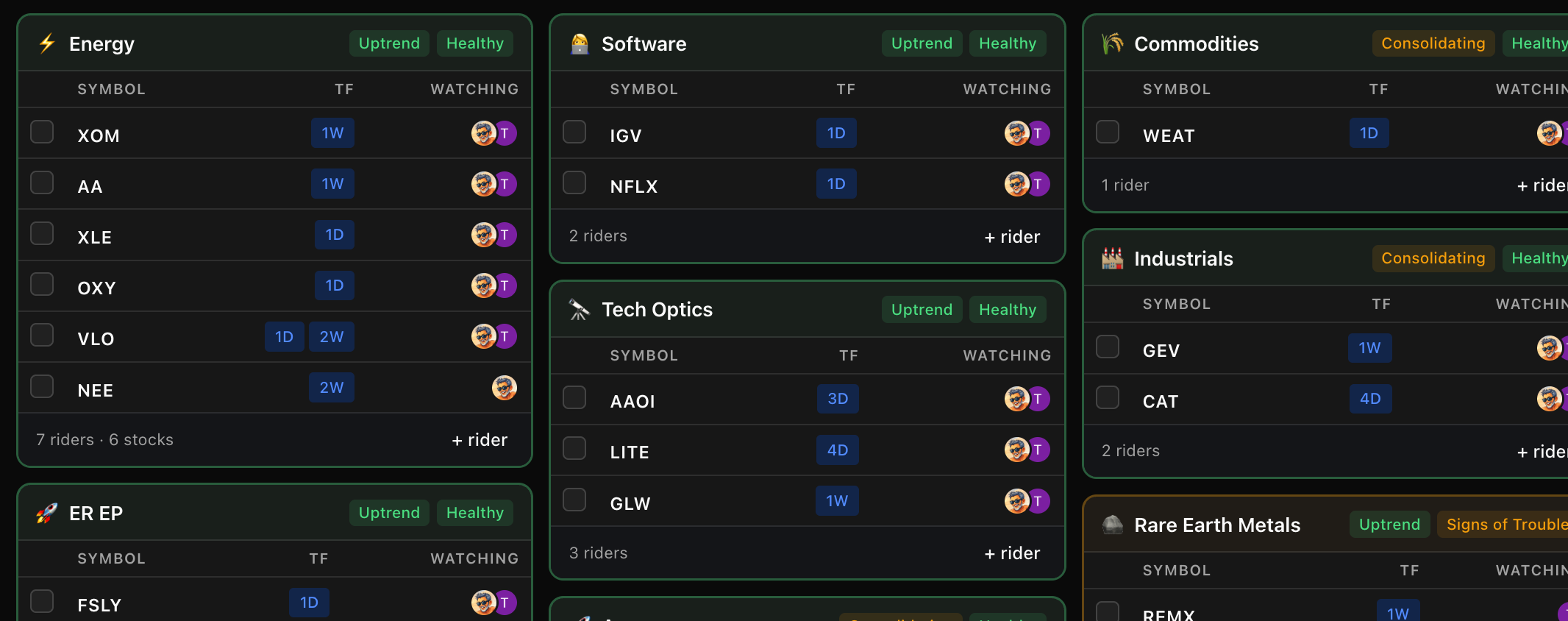
Stocks are much easier to trade when they are in a popular theme. EMA Riders organizes every stock into thematic groups: Quantum, Rare Earth Metals, or whatever the 🔥 latest hotness 🔥 is in the market. Each theme has a status and a health indicator that tells you what the theme is doing and how it is performing. We don't pick stocks, we identify thematic momentum.
03 — Home Base
📡 The Dashboard.
The dashboard is your command center. Theme cards show every active rider grouped by theme — the stocks the community is watching, their timeframes, and who else is watching alongside you. We review and update the stocks and themes every day. Filter by status or health to focus on what matters right now. The activity feed keeps you in the loop in real time.
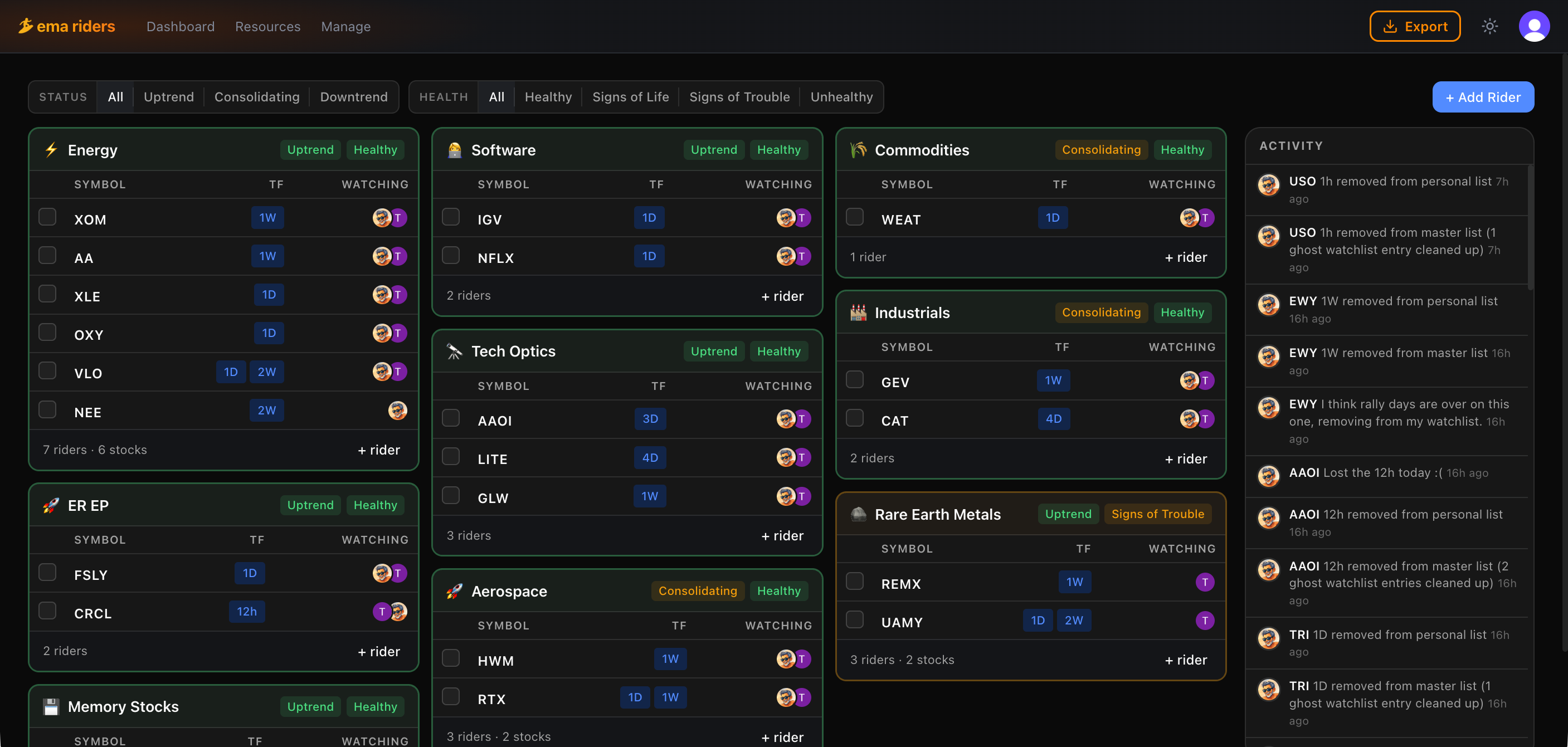
04 — Riders
🏄♂️ A rider is a stock in an established trend on a specific timeframe.
Each row inside a theme card is a rider — a specific stock tracked on a specific timeframe. NVDA on the daily. GEV on the weekly. REMX on the 4-hour. A master list of riders is managed by mods. Community members can track their own and suggest riders to mods.
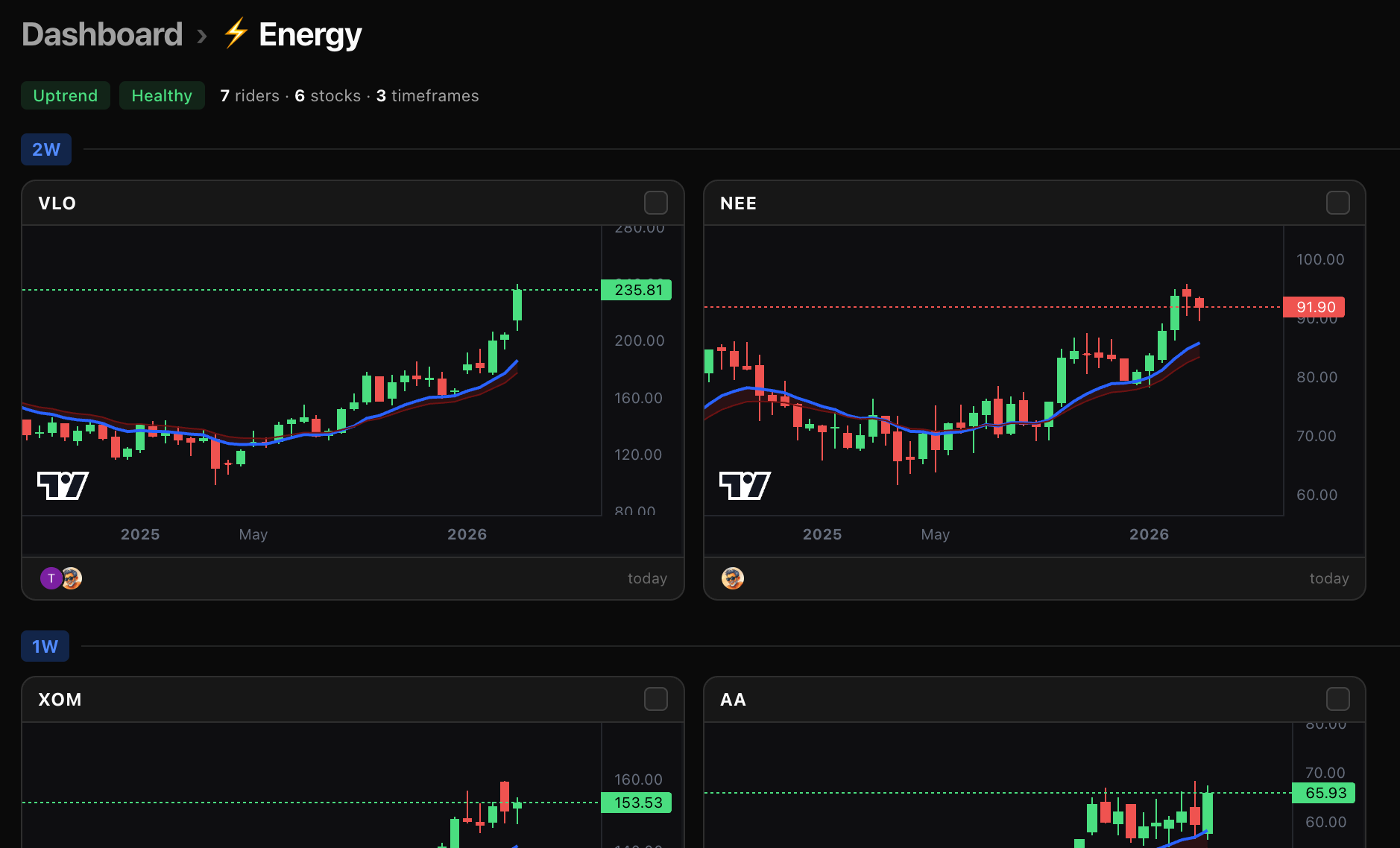
05 — Watchlist & Export
✅ Choose your riders, export to TradingView.
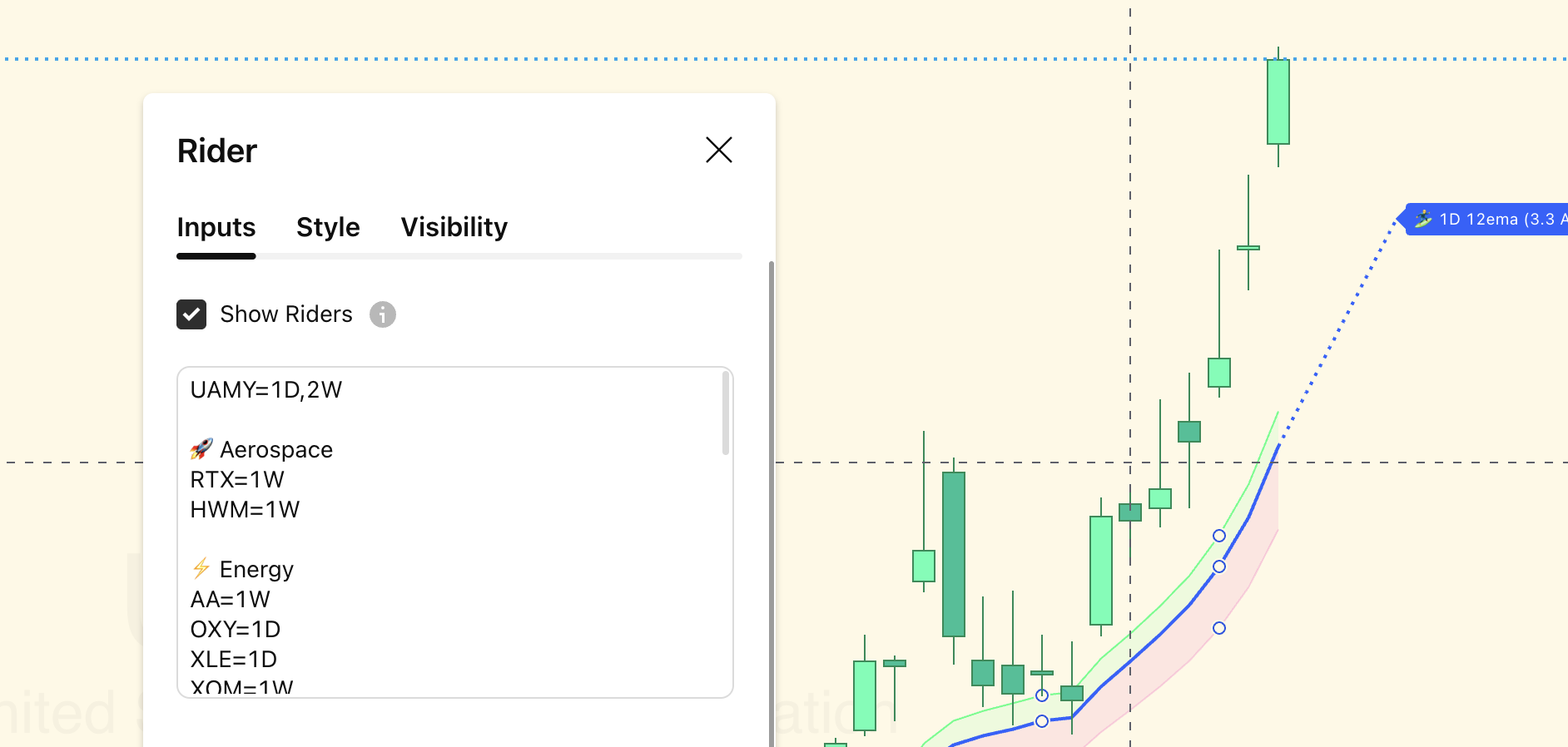
Add any riders you want to track to your watchlist. When you're ready, export your watchlist into TradingView. Your symbols are organized by theme, ready to go.
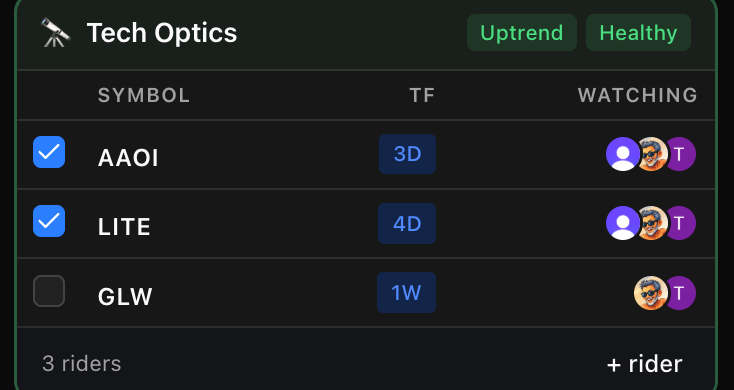
Export
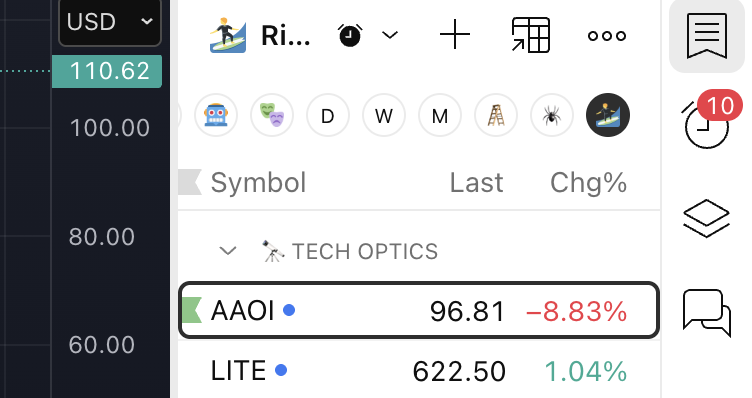
06 — TradingView Setup
⚡ One alert to rule them all.
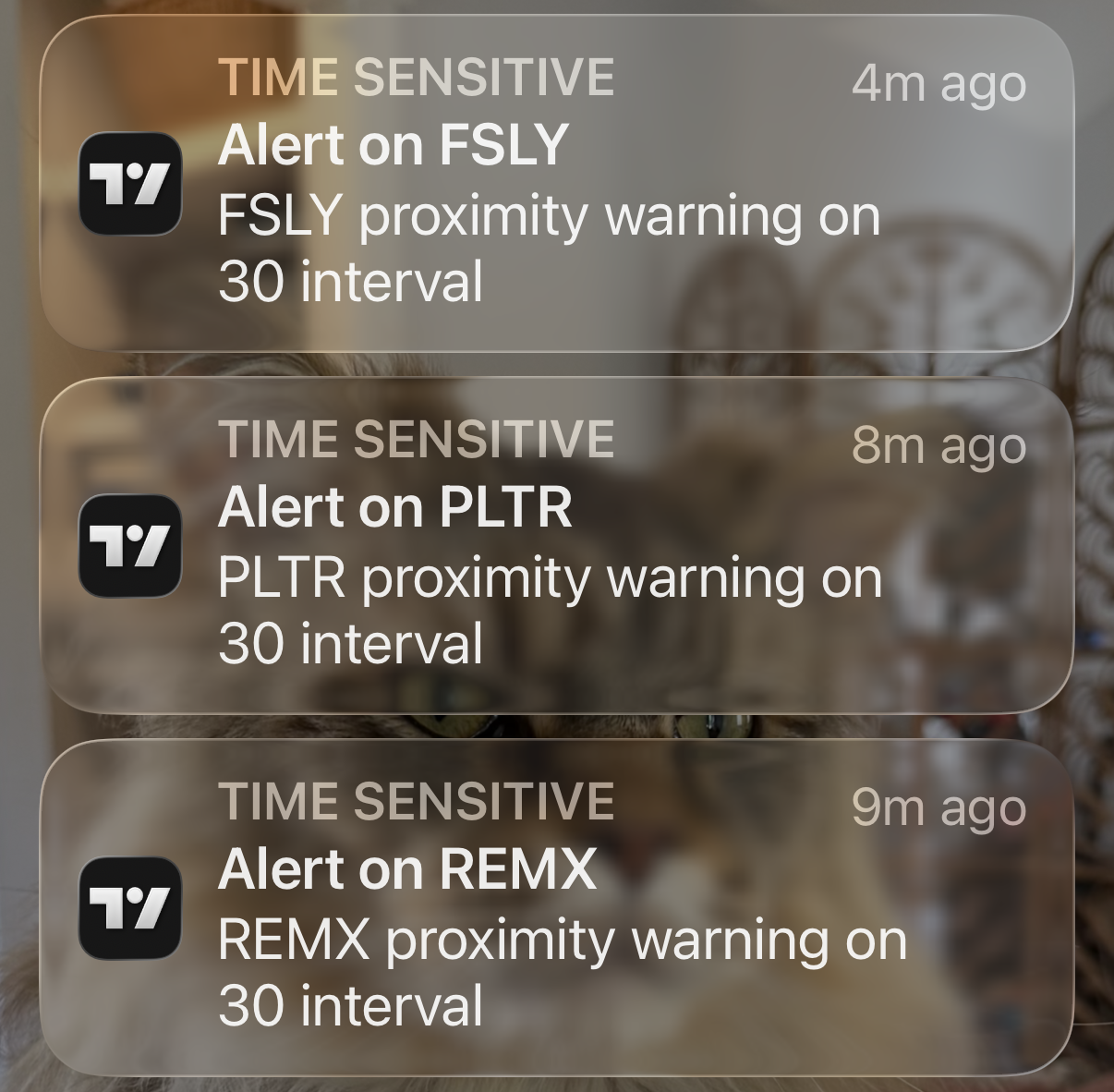
Once your watchlist is in TradingView and our indicator settings have been updated, you add one alert to the watchlist and you're done: When price gets near any rider of any stock you're watching, you get an alert.
07 — The Alert
🔔 The alert fires: Zoom in.
When you get the alert from TradingView, all of your hard work and patience is about to pay off. Zoom in on the chart and get ready to make your entry.
08 — The Community
💃🏻🕺🏻 Trend with friends.
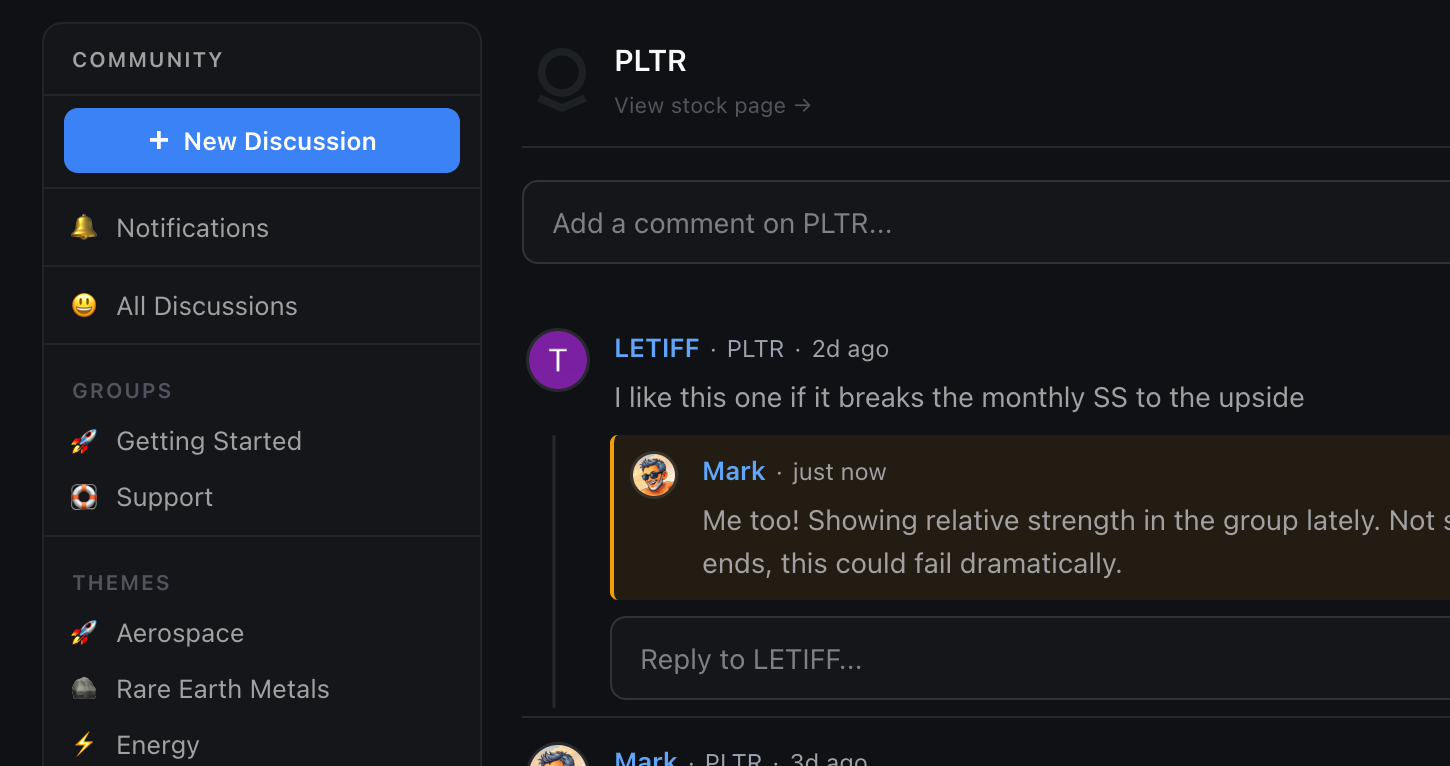
Our mods are there updating the watchlist every night, commenting on the updates they are making to the stocks. You can see who else is tracking the same stock. When a trader you trust adds something, it surfaces in the activity feed. Jump in on any stock or theme page to share your thoughts or ask questions.
Get started
Rider or die!
Join EMA Riders and get access to the dashboard, the community, and the TradingView export.
Get Access →